
















An animated slot is not finished when the art is finished. It is finished when every animated element has a named state that the integration can call, a file format the runtime can load, and a frame budget that the target device can sustain. None of those decisions belong to the studio alone. They belong in the brief — written before the first rig is built.
The gap between an impressive reel of reference animation and a shippable slot is almost always a scope gap. A studio can animate anything given enough time. What the brief decides is which elements animate, to what degree, in response to which events, and within what performance boundary. If those decisions arrive after production starts, they arrive as change requests.
The brief owns the animated element list
The first thing the brief needs is a list. Not a general instruction to animate symbols and characters — a list of every element the client expects to see animated, with the reason it needs to move. That list drives the scope estimate, the art preparation checklist and the integration contract.
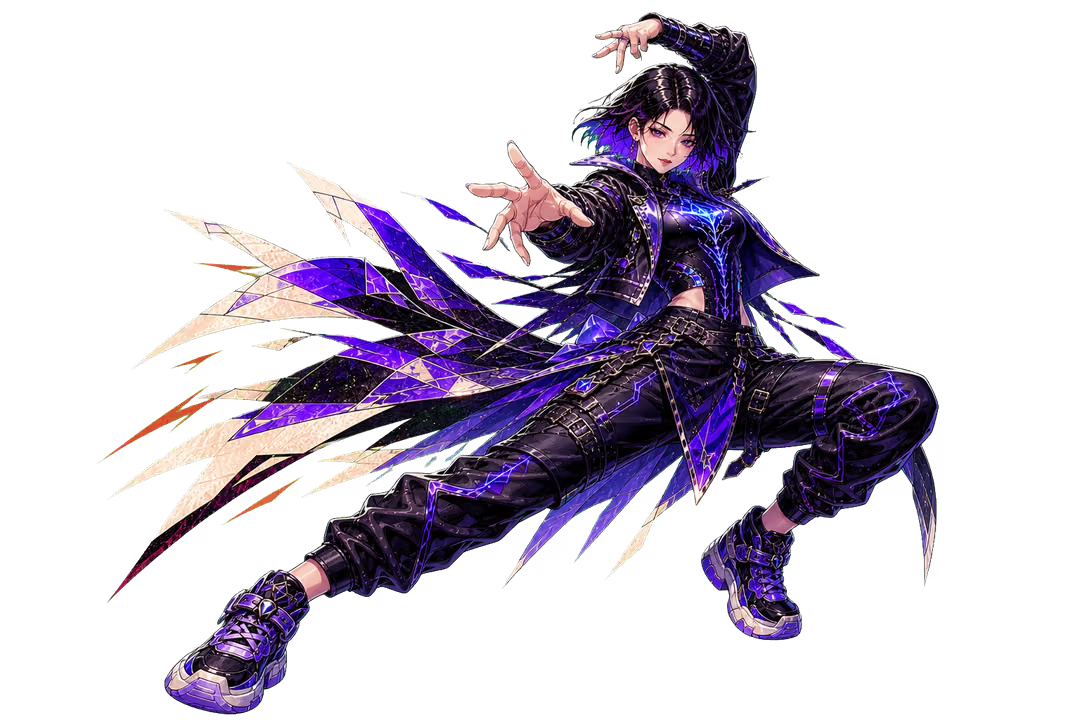
A professional slot animation pipeline separates the work into categories: symbol animation, UI animation, background and environment animation, and character animation. Each category has a different production cost, a different integration complexity and a different performance footprint. The brief’s job is to say which categories apply to this commission and to what depth.
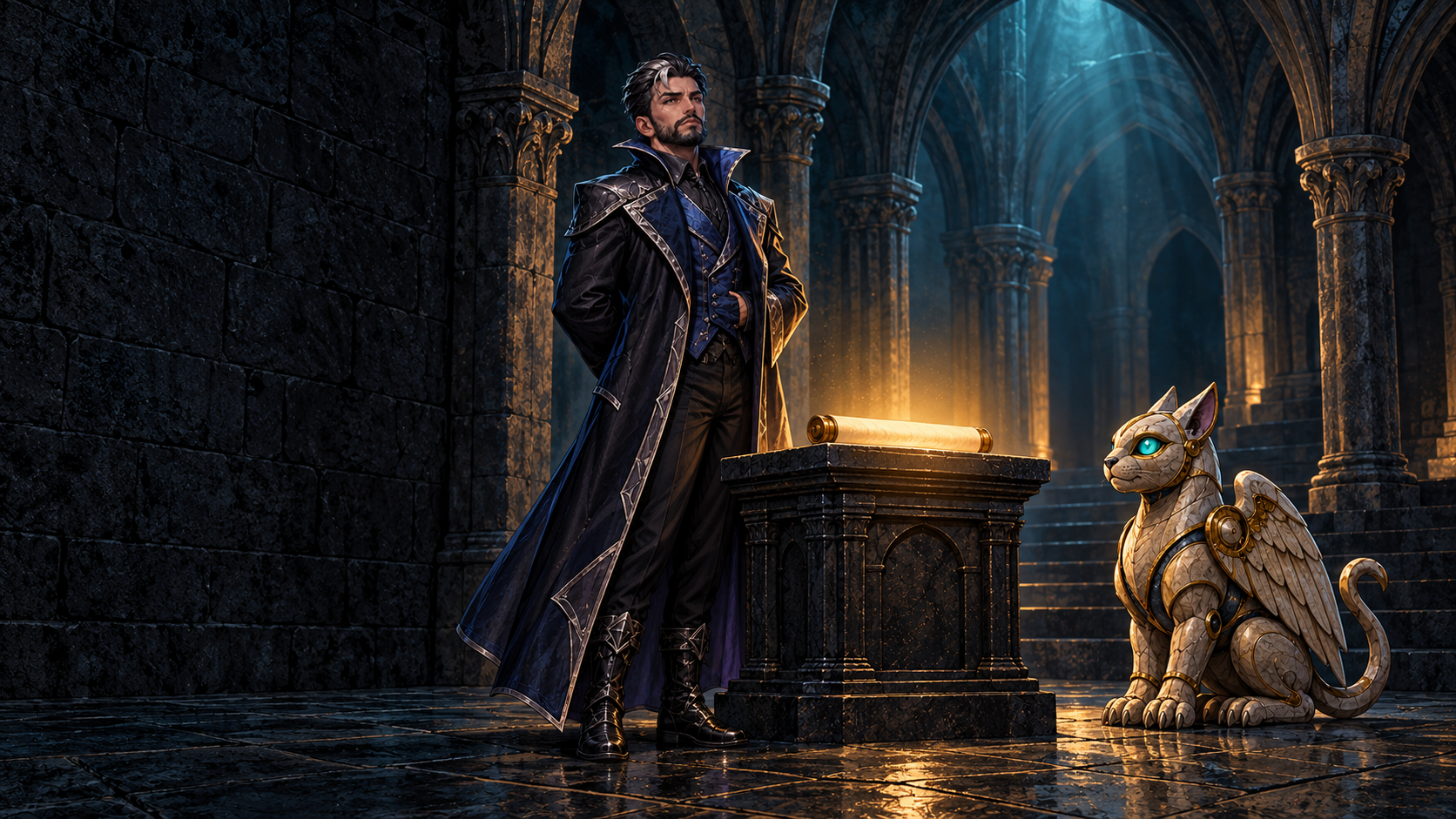
For a commission with a strong character the brief might say: character present in the base game, three states required (idle standing, win celebration, bonus entry), skeletal rig, Spine export. For a commission where the character only appears in the bonus room the brief says something different. In both cases the brief says something — a studio that has to guess is a studio that will revise.
Symbol states are the most common scope gap
Symbols are where animation scope is most often left undefined. A brief that says “symbols should animate” has said almost nothing. A brief that names the states is a working specification.
The standard set for a reel symbol covers four states. An idle loop runs continuously when the symbol is at rest on the reel — it can be a very slow ambient pulse or a held static frame, and the choice belongs to the commissioner because it affects the base game’s visual noise level. A landing effect fires when the reel stops on that symbol — it draws the player’s attention to a completed result, and its duration needs to fit within the reel-stop timing the mathematics team is targeting. A win highlight plays when the symbol contributes to a paying line — it runs after the math event fires, so its duration is a handover constraint between the animation and the game logic. A scatter or wild trigger state is a separate event animation that marks the special symbol’s activation — it is often longer, louder and more complex than a standard win highlight, and if it is not scoped separately it often arrives as a late addition.
Not every symbol needs every state. A premium symbol might have a full set; a lower-tier symbol might have only an idle and a win highlight. The brief states the tier structure and which states apply to each tier — and that structure becomes the art and animation team’s task list.
The format choice is a brief-level decision, not a studio preference
How a character or symbol is animated affects the integration handover more than any other single technical decision. The brief cannot defer it to the studio’s preference because it determines what the developer receives and what the runtime must support.
The two practical choices for character and symbol animation in slot production are skeletal animation using Spine and rendered animation using sprite sheets or video. They are not interchangeable at the integration stage.
Spine stores the bone hierarchy and animation data rather than a pre-rendered sequence of frames. The same visual assets drive multiple states; timing, transitions and blends can be adjusted without redrawing the art. At integration, the developer receives a Spine export — skeleton data, texture atlas, animation tracks — and links the Spine runtime for the target engine. Esoteric Software provides runtimes for every major game toolkit and a Skeleton Viewer for testing exported data before it enters the build. The advantage is file-size efficiency: a single asset set drives many states. The constraint is that the developer must integrate and maintain a Spine runtime version matched to the export.
Rendered animation — sprite sheets or pre-rendered video — is simpler to integrate but heavier in file size. It locks the timing at export; adjusting it after render means re-exporting. For symbols without a bone hierarchy, a rendered approach is common. For characters that need multiple states and smooth transitions, skeletal animation scales better.
The brief states which approach applies to characters and to each symbol tier. If it does not, the studio will make the decision and the developer will either accept it or ask for a re-export.
UI and background animation belong in the brief too
UI animation — spin button states, win counter roll-up, auto-play transitions, menu open and close — is often treated as a detail that the UI designer handles independently. It is worth naming in the brief because it has a performance footprint that interacts with everything else running simultaneously. A win counter roll-up that runs a complex number animation at the same moment as a full symbol cascade and a character celebration is asking a lot of the device’s CPU and GPU at once. The brief states the complexity level: light (functional transitions, no decorative flourishes), medium (styled transitions with some particle work) or heavy (full animated sequences per UI event).
Background and environmental animation — ambient loops, parallax layers, bonus transition sequences — are similarly worth scoping in advance. An ambient background loop that runs at full frame rate across all devices is a different engineering choice from one that pauses on low-end hardware. That choice belongs in the brief, not in a late technical conversation after the background has already been built to a higher specification.
Performance constraints are a commissioning decision
The brief’s animation section ends with the performance envelope. This is the set of constraints that the animation scope must fit within: file size budget, target frame rate, minimum device specification and the rule for what happens below that specification.
These constraints are not a studio’s job to set. They come from the platform specification, the target markets and the operator’s own performance policy. A game aimed at mobile-first markets in emerging economies has a different file-size budget from one aimed at desktop play in high-bandwidth markets. A brief that hands the studio a target rather than leaving performance as an implicit hope receives animation that is designed to meet it.
The connection between the animation scope and the performance envelope is direct: more states, heavier effects and higher-resolution sprite sheets increase the bundle size and the concurrent processing load. Writing both the scope and the envelope into the same brief document makes the relationship visible. When a scope request exceeds what the envelope permits, the conversation happens at the brief stage — not after a full production cycle.
The brief becomes the handover contract
The purpose of defining animation scope in the brief is not bureaucratic. It is practical: the brief becomes the document both sides check at each handover. When the art team delivers assets for animation, they check the brief’s state list. When the animation team exports the Spine files, they check the brief’s format specification. When the developer integrates and tests, they check the brief’s performance envelope. When the QA pass runs on a target device, it uses the brief’s state list as its test matrix.
A brief that named its states, its format and its performance constraints at the start is also a brief that can be signed off at delivery. Animation scope left implicit creates an informal negotiation at every handover point instead of a checkable contract.
For a commission on the Engine Studio platform, the animation scope section of the brief feeds directly into the production plan. The Stake Engine game development service covers the technical handover structure; the scope document belongs in the project brief at the commissioning stage.
What animation states does a slot symbol typically need?
The standard set is an idle loop, a landing effect, a win highlight and a scatter or wild trigger state. Not every symbol needs every state — the brief specifies which states apply to each symbol tier, which becomes the animation team’s task list.
What is the difference between Spine skeletal animation and rendered sprite sheets for slot games?
Spine stores a bone hierarchy and animation data rather than pre-rendered frames; a single asset set drives multiple states and timing can be adjusted without redrawing. Rendered sprite sheets are simpler to integrate but heavier in file size and timing is locked at export. Esoteric Software’s Spine runtimes are available for every major game toolkit. The brief states which approach applies to each element category.
Why does the animation format choice belong in the brief rather than with the studio?
The format determines what the developer receives at integration and which runtime they must maintain. If the studio chooses independently and the developer cannot support it, the export must be redone. Naming the format in the brief prevents a late re-export cycle.
What should the brief say about UI animation?
It should name the complexity level: light (functional transitions), medium (styled transitions with some particle work) or heavy (full animated sequences per UI event). UI animation runs concurrently with symbol and character animation; its footprint interacts with everything else, so the budget needs to be set at the brief stage.
What performance constraints belong in the animation brief?
File size budget, target frame rate, minimum device specification and the policy for performance below that specification. These come from the platform specification and target markets, not from the studio — a brief that supplies them receives animation designed to meet them.
How does the animation scope connect to the integration handover?
The state list, format specification and performance envelope in the brief become the checklist each team uses at each handover: art to animation, animation to developer, developer to QA. Scope left implicit creates informal negotiation at every handover instead of a checkable contract.